
Every WordPress hosting page says the same three things. Blazing fast. Rock solid. Built for WordPress. After a while the words stop meaning anything.
I went back through the providers I’ve actually tested, migrated sites onto, or watched clients struggle with, and landed on seven: Hosting.com, ScalaHosting, HostGator, Pressable, Bluehost, Cloudways, and Kinsta. Each one covers a different situation, so there’s minimal overlap between them.
This isn’t a “best host for everyone” list. Hosting is not that simple. A solo blogger publishing twice a week has different needs than a small business running a WooCommerce store with real revenue on the line. What matters is finding WordPress hosting that fits the site you actually have, not the site a sales page imagines you might build someday. Rocket.net came up often enough in reader questions that it got its own separate look; our comparison against WordPress.com covers where it actually fits if it’s not one of the seven below.
Here’s what actually moves the needle when you’re picking WordPress hosting for bloggers and small businesses:
→ Speed: slow sites lose readers and customers before they finish loading
→ Reliability: downtime during a launch or a sale costs more than a hosting upgrade ever would
→ Security: WordPress is the most targeted CMS on the internet
→ Backups: the difference between “restore in five minutes” and “rebuild from scratch”
→ Support: someone who actually knows WordPress, not a script reader
→ Room to grow: the plan that works at 500 visits a month should not fall apart at 50,000
Let’s get into it.
Quick Comparison
| Provider | Best For | WordPress Focus | Support | Key Strength |
|---|---|---|---|---|
| Hosting.com | Performance-focused managed hosting | Fully managed WordPress, tiered plans | 24/7 live chat and tickets | Consistently fast, modern management dashboard |
| ScalaHosting | Small businesses wanting more control at a lower price | WordPress plans plus proprietary SPanel WP Manager | 24/7 chat, fast response times | High value with cloud infrastructure baked in |
| HostGator | Beginners on a tight budget | WordPress-optimized shared plans | 24/7 chat and phone | Low entry price with a guided setup flow |
| Pressable | Agencies and growing small businesses | Managed WordPress only, built by Automattic | 24/7 expert WordPress support | Same full feature set on every plan, no renewal price hikes |
| Bluehost | First-time bloggers and new small business sites | WordPress.org’s officially recommended host | 24/7 chat and phone | Easiest onboarding for total beginners |
| Cloudways | Developers and agencies wanting cloud flexibility | Multi-cloud managed WordPress, Flexible and Autonomous plans | 24/7 chat and tickets, platform-level | Real-time billing across multiple cloud providers |
| Kinsta | High-traffic sites and growing businesses | Google Cloud managed WordPress, container-based isolation | 24/7 expert WordPress support | Consistent performance under traffic spikes |
What Makes a Good WordPress Hosting Provider?
Not every “WordPress hosting” plan is actually built for WordPress. Some hosts just install WordPress on generic shared hosting and call it a day. Others build their entire stack, caching layer, and support team around WordPress specifically. That difference shows up the moment your site gets real traffic.
When you’re comparing WordPress hosting plans, look past the marketing page and check these:
- WordPress compatibility: is WordPress pre-installed and actively optimized for, or just supported?
- Performance: caching, server hardware (NVMe vs standard SSD), and CDN availability
- Uptime and reliability: look for a real uptime guarantee, not just a number in a blog post
- Security: malware scanning, firewalls, and how fast they patch known WordPress vulnerabilities
- SSL: should be free and automatic, not an upsell
- Backups: daily, at minimum, with an easy one-click restore
- Migration: free and hands-off is the standard now, not a luxury
- Support: WordPress-specific knowledge, not generic “have you tried restarting” scripts
- Ease of management: staging environments, one-click updates, a dashboard that doesn’t fight you
- Storage and bandwidth: enough headroom that a good month of traffic doesn’t trigger a scramble
- Scalability: can you grow into the next tier without a full migration
- Price and renewal costs: the number that matters is what you pay in year two, not the first-month promo
The cheapest plan is rarely the best WordPress hosting option. I’ve watched clients save $30 a year on hosting and then lose that many times over in slow page loads and lost conversions. That said, the most expensive plan isn’t automatically right either.
A new blogger publishing a few posts a month needs reliability, decent speed, and hand-holding support more than raw horsepower. A growing small business with WooCommerce, email opt-ins, and real traffic needs staging environments, stronger security, and a support team that won’t put them on hold during a checkout bug. Match the plan to the site, not the site to the plan.
1- Hosting.com
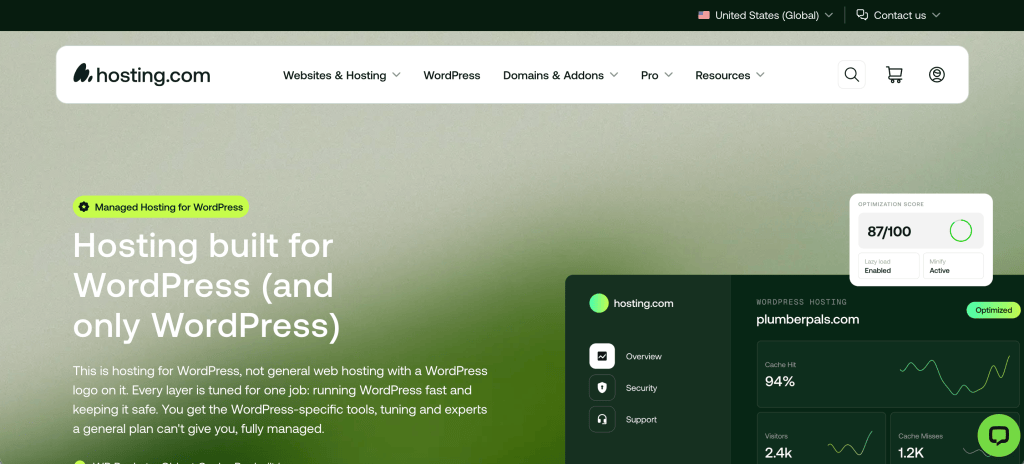
Hosting.com’s managed WordPress product is newer to the space than some of the names on this list, and it shows in a good way. The plans are structured in tiers, and even the entry-level option is built specifically around WordPress rather than repurposed shared hosting.
What stands out here is performance consistency. Independent testing has repeatedly clocked Hosting.com’s managed WordPress environment with fast, stable response times and strong uptime, and the management dashboard is genuinely easy for a beginner to navigate without feeling stripped down. If you’re the kind of site owner who checks page speed scores more than once a month, this is worth a look.
Best fit: bloggers and small businesses who want a fully managed setup and are willing to pay a bit more for consistent performance without babysitting the server themselves.
Main advantage: a modern, WordPress-native environment with a support team that isn’t juggling ten other hosting products.
Main trade-off: promotional first-term pricing jumps meaningfully at renewal, so budget for the real long-term cost before you commit.
Check Hosting.com WordPress Hosting → View Hosting.com
2- ScalaHosting

I’ll say this upfront since it matters for this list: ScalaHosting’s WordPress hosting plans, not their VPS products, are what we’re covering here. Their WordPress-specific plans run on NVMe storage with LiteSpeed, and every plan includes their proprietary SPanel control panel with a dedicated SWordPress Manager built in.
That WP Manager is the real differentiator. It gives you one-click staging, one-click cloning, and direct control over automatic updates and security locks, all from a single dashboard, without paying extra for tools that other hosts lock behind higher tiers. Their SShield security layer runs in the background blocking malicious traffic before it reaches your site, which matters more than most bloggers realize until they’ve dealt with a hacked site once.
Best fit: small businesses and growing bloggers who want more infrastructure control and better long-term value than typical shared hosting, without jumping straight to unmanaged VPS.
Main advantage: genuinely strong feature set for the price, especially the free WordPress-specific management tools.
Main trade-off: the lowest-tier shared plans skip LiteSpeed caching, and CDN setup on those entry plans takes manual configuration instead of a toggle.
Check ScalaHosting WordPress Hosting → View ScalaHosting
3- HostGator
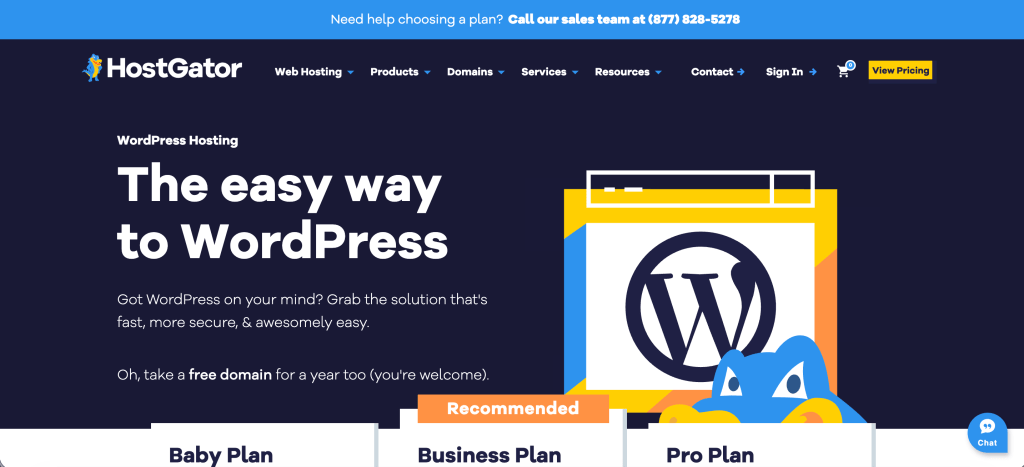
HostGator earns its spot here for one reason mostly: it’s still one of the easiest, cheapest ways to get a WordPress site online without getting lost in setup screens. The guided WordPress installation process walks a total beginner through domain, admin account, and go-live in a few clicks, and the dashboard makes DNS and domain management less intimidating than it usually is.
Four WordPress-optimized plans give you a clear upgrade path as a site grows, from a single-site hobby blog up through higher-traffic small business sites. Just go in with clear eyes about the fine print. Some features that other hosts bundle in by default, like automated backups and domain privacy, show up as paid add-ons on certain HostGator plans, and their managed WordPress tier caps monthly visits per account rather than per site.
Best fit: first-time bloggers and cost-conscious small businesses who want the lowest possible barrier to launching a WordPress site.
Main advantage: the guided setup flow genuinely removes friction for people who’ve never touched a hosting control panel.
Main trade-off: essential features like automated backups aren’t always included by default, so check the plan details before assuming you’re covered.
Check HostGator WordPress Hosting → View HostGator
4- Pressable
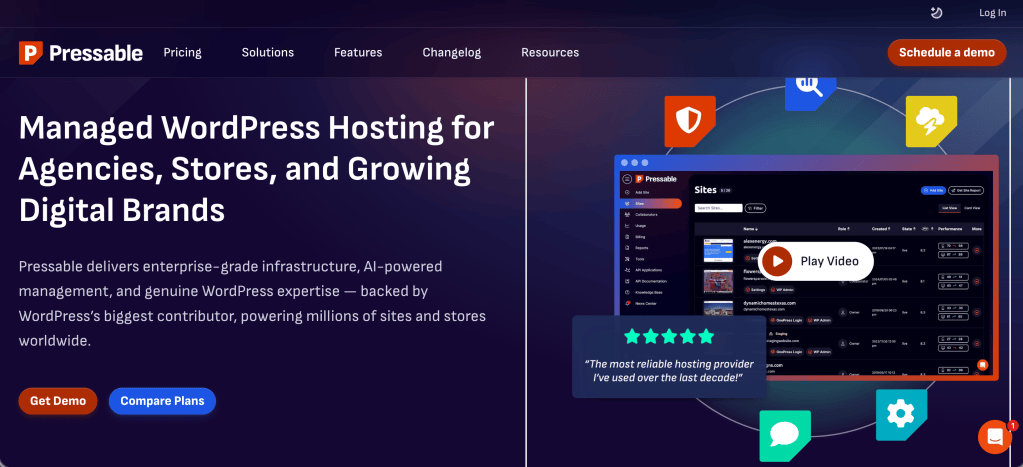
Pressable only does one thing: managed WordPress hosting. No shared hosting, no generic cPanel plans, no split focus. Built by Automattic, the company behind WordPress.com and WooCommerce, it runs on WP Cloud infrastructure, and every single plan, from the smallest to the largest, gets the exact same feature set. You’re not paying more to unlock staging environments or Jetpack Security. Everyone gets them.
That staging environment is included on every tier, which matters enormously for anyone running WooCommerce or a site where a broken update means lost revenue. Daily backups, free SSL, unlimited bandwidth, and free migrations are standard across the board. One detail I appreciate: Pressable doesn’t inflate pricing at renewal the way a lot of the industry does. What you sign up at is what you keep paying. For a closer look at how it actually runs day to day, our full Pressable review covers that in more detail. And if Pressable isn’t quite the fit, our roundup of the best Pressable alternatives lines it up directly against WordPress.com, Kinsta, WP Engine, and Cloudways.
Best fit: agencies managing multiple client sites and growing small businesses that have outgrown budget shared hosting and want consistent, predictable infrastructure.
Main advantage: identical feature access on every plan, so upgrading is purely about scale, not unlocking tools you should already have.
Main trade-off: entry pricing starts noticeably higher than budget hosts, which makes it a harder sell for a brand-new hobby blog with no revenue yet.
Check Pressable WordPress Hosting → View Pressable
5- Bluehost
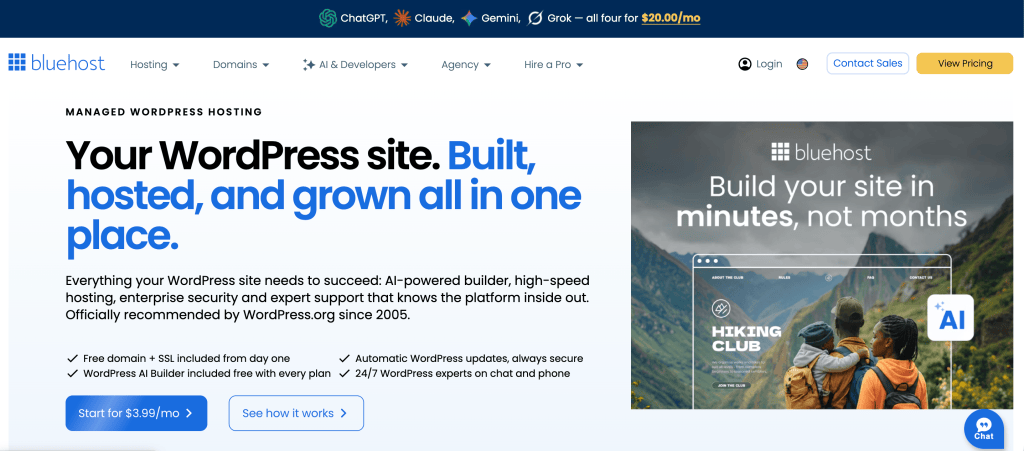
Bluehost is the host WordPress.org itself recommends, and that relationship has held since 2005. For someone launching their very first blog or small business site, that recommendation carries real weight, and the onboarding experience backs it up. WordPress comes pre-installed, plans include automatic updates, a free domain for the first year, and free SSL, and the setup flow doesn’t assume you already know what a nameserver is.
Where Bluehost earns its place on this specific list is the beginner path. Starter plans are genuinely enough for a first blog or portfolio site, and moving up to Business or eCommerce Essentials adds staging, malware removal, and multi-site management as the site actually needs them, not before. It’s less about chasing the fastest benchmark and more about not making the first-time site owner feel lost.
Best fit: brand-new bloggers and small businesses launching their first WordPress site who want the platform’s own recommended starting point.
Main advantage: the lowest-friction path from zero to a live WordPress site, backed by an official WordPress.org endorsement.
Main trade-off: renewal pricing increases substantially compared to the introductory rate, sometimes over 100%, so treat the first-term price as a trial, not the real cost.
Check Bluehost WordPress Hosting → View Bluehost
6- Cloudways
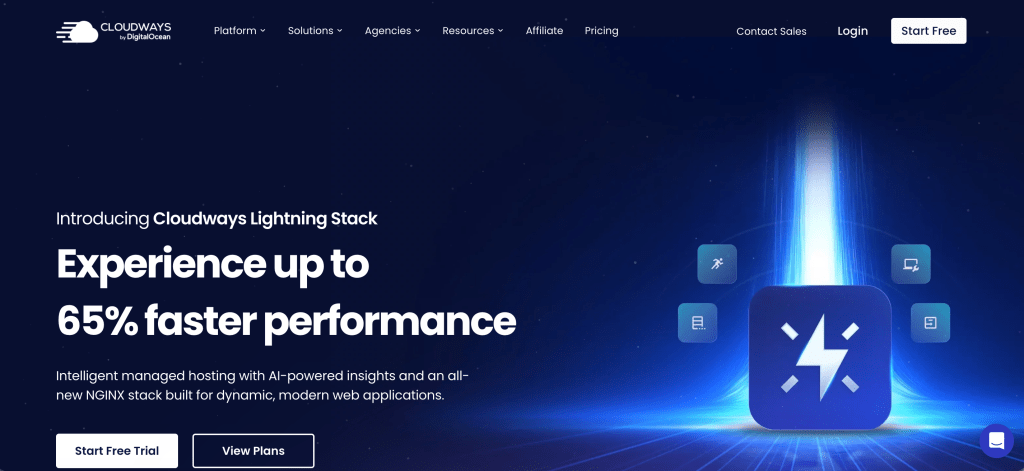
Cloudways takes a different approach than the rest of this list. Instead of one fixed infrastructure, it lets you deploy WordPress on your choice of cloud provider, including DigitalOcean, AWS, or Google Cloud, through a simplified dashboard that hides the raw server console. Its Flexible and Autonomous plans both support WordPress, with Autonomous adding autoscaling for sites with unpredictable traffic.
Real-time, pay-as-you-go billing is another point of difference. Instead of fixed monthly tiers, you pay for the actual server resources you use, and Cloudways doesn’t restrict which plugins you can install the way some WordPress-only managed hosts do. Server-level caching and Redis are included, which cuts down on the caching plugins you’d otherwise need to manage yourself.
Best fit: developers, freelancers, and small agencies who are comfortable choosing their own cloud provider and server size in exchange for more control and typically lower costs than a fixed managed plan.
Main advantage: real cloud infrastructure and no plugin restrictions, without having to configure a raw server yourself.
Main trade-off: more setup decisions than a beginner-friendly host, since you choose the cloud provider, server size, and data center yourself, and support covers the platform rather than your custom code or plugin conflicts.
Check Cloudways WordPress Hosting → View Cloudways
7- Kinsta
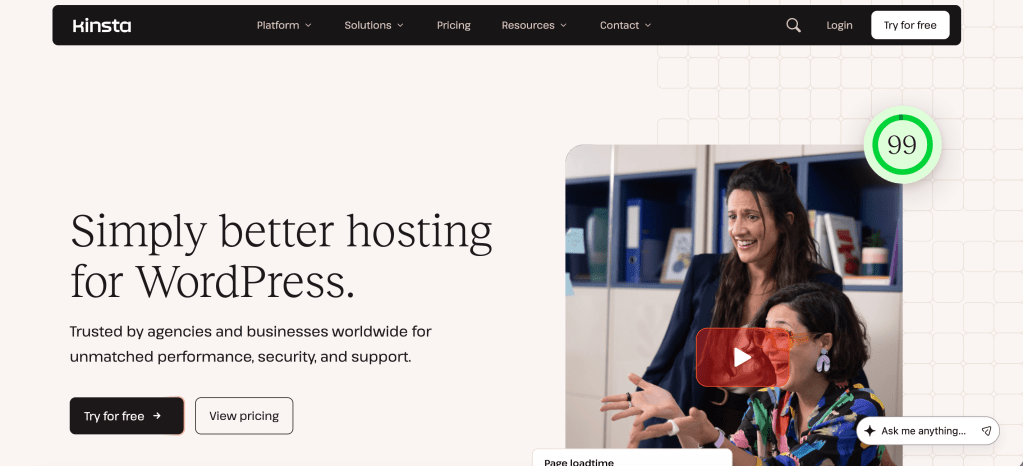
Kinsta runs on Google Cloud’s premium network, with every WordPress site isolated in its own container rather than sharing resources with other sites on the same server. A Cloudflare-powered CDN is included free on every plan, and the MyKinsta dashboard replaces the typical cPanel with staging, backups, and performance monitoring built in.
Every plan, not just the expensive ones, includes daily backups, free migrations, and 24/7 support from a team that actually specializes in WordPress. Independent 2026 benchmarks have consistently clocked Kinsta among the fastest managed WordPress hosts, largely because of that container-based isolation holding up under traffic spikes that would slow down a shared environment.
Best fit: high-traffic sites and revenue-generating small businesses that need consistent performance under load and are willing to pay a premium for it.
Main advantage: isolated, container-based architecture that keeps performance stable during traffic spikes, with the full feature set included regardless of plan tier.
Main trade-off: entry pricing starts around $35 a month, well above every other host on this list, which makes it overkill for a low-traffic hobby blog.
Check Kinsta WordPress Hosting → View Kinsta
How to Choose Between the Seven
If you’re still stuck, here’s how I’d sort it by situation rather than by hype:
- Best for total beginners: Bluehost. The setup flow assumes no prior knowledge and it’s the platform’s own recommended host.
- Best for a tight budget: HostGator. Lowest realistic entry cost for a first WordPress site.
- Best for growing small businesses: ScalaHosting. More infrastructure control and WordPress-specific tooling without the price jump of full managed hosting.
- Best for agencies and multi-site management: Pressable. Identical features on every plan and no renewal price surprises.
- Best for performance-focused sites: Hosting.com. Consistently strong speed and uptime testing across independent reviews.
- Best for developers wanting cloud flexibility: Cloudways. Choose your own cloud provider and pay only for the resources you use.
- Best for high-traffic, revenue-generating sites: Kinsta. Isolated infrastructure built to hold up under real load.
None of these rankings are influenced by which provider pays a higher commission. They’re based on WordPress-specific features, verified performance data, and which type of reader each host genuinely fits.
WordPress Hosting vs. Hosting WordPress on a VPS
For most bloggers and small businesses, one of the seven providers above is the right starting point. Standard or managed WordPress hosting handles the server management, security patching, and caching setup so you can focus on the actual site.
But some sites eventually outgrow it. If you’re running multiple high-traffic properties, need isolated resources so one site’s traffic spike doesn’t slow down another, or you’ve simply gotten comfortable managing server infrastructure yourself, a VPS becomes a reasonable next step. It’s not a beginner move, and it’s not required for most blogs or small business sites. It’s an option for a specific kind of growth.
If that’s the direction you’re headed, our guide on what to look for in a web hosting provider covers the broader decision framework, and our walkthrough on manually migrating a WordPress site from ScalaHosting to WordPress.com shows what a real migration between hosting types actually looks like in practice.
For many bloggers and small businesses, managed or standard WordPress hosting is the simplest choice. But if your WordPress setup is growing, you need more control, or you’re comfortable managing server infrastructure, a VPS can become an interesting next step down the line.
Questions People Ask About WordPress Hosting
Is managed WordPress hosting worth the extra cost over shared hosting? For most small businesses and growing blogs, yes. Managed hosting handles updates, security, and performance tuning specifically for WordPress, which saves time and reduces the risk of a hacked or broken site. A brand-new hobby blog with minimal traffic can often start on standard shared WordPress hosting instead.
How much does good WordPress hosting cost? Entry-level WordPress hosting plans typically run $3 to $10 a month on introductory pricing, with premium managed plans starting closer to $20 to $35 a month. Renewal pricing is almost always higher than the first term, so check that number before committing.
Can I switch WordPress hosts without losing my site? Yes. Most reputable hosts, including all seven listed here, offer free migration assistance or tools that move your site with minimal downtime. Always confirm you have a recent backup before starting any migration.
Do I need a CDN with WordPress hosting? A CDN helps significantly if your visitors are spread across different regions, since it serves content from a server closer to them. Several hosts on this list include one by default, while others require manual setup, so check before assuming it’s active.
What’s the difference between shared and managed WordPress hosting? Shared hosting puts your site on a server with other websites and generally leaves more server management to you. Managed WordPress hosting is built specifically around WordPress, with automatic updates, WordPress-tuned caching, and support staff trained on WordPress-specific issues.
Is the cheapest WordPress hosting plan ever the right choice? Sometimes, if you’re testing an idea or running a low-traffic personal blog with no revenue riding on uptime. Once a site starts generating income or meaningful traffic, the cost of slow speeds or downtime usually outweighs what you’d save on a bargain plan.
Conclusion
There’s no single best WordPress host for everyone reading this, and any list that claims otherwise is selling something. What actually matters is matching the plan to where your site is right now, not where a sales page imagines it could be.
If you’re launching your first blog, start with the option that removes the most friction. If you’re already running a small business with real traffic and revenue on the line, prioritize the host that gives you staging environments, consistent performance, and support that actually knows WordPress.
Pick one of the seven above, get the site live, and revisit the decision in a year once you actually know how your traffic and needs have grown. That’s a far better strategy than trying to predict everything upfront.
But if you’re managing several client sites rather than just one, the calculation changes quite a bit; this breakdown on hosting multiple client sites on a single VPS walks through when a self-managed setup makes more sense than paying per site.
Affiliate Disclosure: Some links in this article are affiliate links, which means BlogProcess may earn a commission if you make a purchase through them, at no additional cost to you. Our recommendations are based on the provider’s features, suitability, and value for WordPress users, and our editorial opinions are not changed by affiliate relationships.